How to Decide What to Automate With an AI Agent
When a business considers using an AI agent, the first question should not be which model to use.
Start with the work.
What happens first? What information is needed? Which tools are involved? Where does the process slow down? What could go wrong? Who should approve the final action?
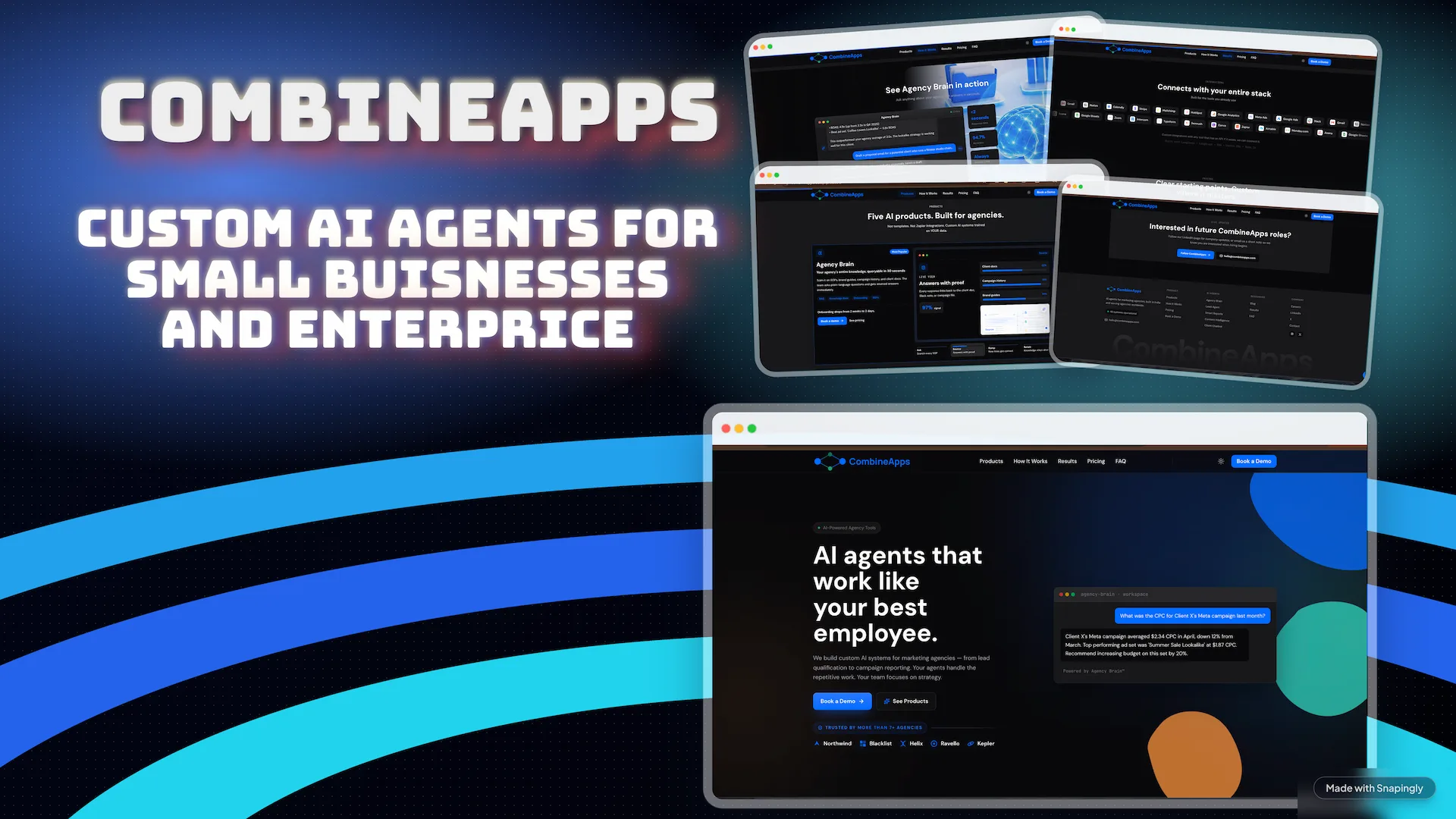
This workflow-first approach reflects how CombineApps begins an automation project: understand the tools, daily tasks, bottlenecks, risks, and desired outcome before building the system.
Automation, AI Agent or Human?
These three options solve different problems.
Ordinary automation is best when every step follows a stable rule. If a form submission always creates the same CRM record and sends the same notification, a deterministic workflow is usually enough.
An AI agent becomes useful when the work includes unstructured information or context. The system may need to read an email, interpret a document, classify a request, choose an appropriate tool and adapt its next step.
A human decision is still necessary when the cost of a mistake is high, the available context is incomplete, or the choice requires accountability and judgment.
The most reliable system is often a combination: deterministic automation for predictable steps, an agent for context-heavy work, and a clear approval gate before a sensitive action.
1. Is the Work Repetitive Enough?
A task does not become a good automation candidate simply because it is annoying.
First, look for frequency and consistency:
- Does the task happen every day or every week?
- Do multiple people repeat the same steps?
- Does the work create a queue or delay for customers or teammates?
- Would removing it free someone to do more valuable work?
A five-minute task repeated once a month may not justify a custom system. A five-minute task repeated hundreds of times can be a very different calculation.
The goal is not to automate everything. The goal is to remove work that software can perform reliably so people can focus on work that needs people.
2. Can We Define the Input and the Outcome?
Every useful automation needs a clear starting point and a clear definition of done.
The input might be:
- a new email
- a submitted form
- a support ticket
- a document uploaded to a folder
- a row added to a spreadsheet
- a scheduled reporting time
The outcome might be:
- a qualified lead in the CRM
- a drafted reply ready for approval
- a structured record extracted from a document
- a ticket routed to the correct person
- a weekly report with the important changes explained
If nobody can describe the expected result, an agent will not solve the underlying ambiguity. The process needs to be understood before it can be automated.
3. Can the System Access the Right Context?
An agent is only as useful as the context and tools it can safely access.
Map where the information lives: email, a CRM, Google Drive, Notion, Slack, internal APIs, spreadsheets or another system. Then check whether those tools provide reliable APIs and whether the agent should have read access, write access or neither.
Access should follow the principle of least privilege. A reporting agent may only need to read selected data. An agent that drafts an email does not automatically need permission to send it.
This is where MCP servers and custom connectors can help. They give compatible AI systems structured, controlled ways to use business tools instead of asking a model to guess from incomplete context. The CombineApps guide to MCP servers versus direct API integrations explains when that protocol layer is useful and when a conventional integration is simpler.
4. What Happens When the Agent Is Uncertain?
The happy path is the easy part. Reliability depends on what happens at the edges.
For every workflow, ask:
- What information might be missing?
- Which requests are ambiguous?
- Which actions are reversible?
- What is the cost of a wrong decision?
- When should the agent stop and ask a person?
Low-risk actions can often run automatically. A system can categorize an internal request or prepare a draft with little downside.
High-impact actions need stronger controls. Sending money, deleting records, changing a contract, publishing externally or making a sensitive customer decision should normally include explicit human approval and a useful audit trail.
An agent admitting uncertainty is a feature, not a failure.
5. Can We Measure the Result?
Before building, choose a baseline.
Useful measurements might include:
- minutes spent per request
- response time
- number of manual handoffs
- correction or escalation rate
- percentage of requests completed without intervention
- cost per completed workflow
Without a baseline, it is easy to ship an impressive demo that does not improve the business.
The first version should solve one well-defined workflow and produce evidence. Once it is reliable, the system can take on more tools, more cases or more autonomy.
A Simple Example: Inbound Lead Triage
Imagine a company receiving enquiries through a web form and email.
A useful system could:
- collect the new enquiry;
- extract the company, request, budget and timeline;
- research missing public company information;
- score the lead using documented criteria;
- update the CRM;
- draft a relevant reply; and
- ask a salesperson to approve the response when required.
The data movement and CRM update are ordinary automation. Reading an unstructured message and applying qualification criteria may suit an agent. Approving a promise made to a valuable prospect may remain a human decision.
That separation makes the workflow easier to test and safer to operate.
When Not to Use an AI Agent
Avoid starting with an agent when:
- the process changes every week;
- the task has almost no repeat volume;
- the required data is unavailable or unreliable;
- a simple rule-based automation solves the problem;
- nobody owns the outcome;
- there is no safe fallback for errors; or
- the only goal is to say that the company uses AI.
Sometimes the correct recommendation is a small integration, a better form, a clearer operating procedure or no automation at all.
Start With One Workflow
The best first AI project is usually not a company-wide autonomous system.
It is one repeated workflow with clear inputs, a measurable result, accessible data and a responsible human owner.
That is the approach behind the custom AI agents and workflow automations we build at CombineApps: understand the work, automate the predictable parts, use AI where context matters, and keep people in control where judgment matters.
For a side-by-side architecture comparison, read the CombineApps guide to choosing an AI agent, workflow automation, or a hybrid system.
You can also read the founder-written overview of CombineApps for the company background, capabilities, and official profiles.